
Planet Zoo 2 task guide
How to build and connect aquarium filtration
1. Close the aquarium and add its gate
Section titled “1. Close the aquarium and add its gate”Open Habitat Barrier → Aquarium and draw a closed barrier. Add an Aquarium Staff Gate; the enclosure fills with water once the aquarium and gate are complete. Provide staff access and power for the equipment. Before adopting animals, use their Zoopedia entries to establish whether they need Freshwater, Brackish or Saltwater.
2. Connect a Water Filter to the gate node
Section titled “2. Connect a Water Filter to the gate node”- In the Facilities Browser, choose Utilities → Water Filter and place it with the required power and maintenance access.
- Open Edit Filtration Network.
- Connect a pipe from the network to the Aquarium Staff Gate node. Placing a filter nearby is not the same as connecting the aquarium.
- Inspect the network’s supply and demand. Supply must exceed demand; demand depends on water volume and animal count.
For natural water in a habitat, the connection instead uses a Water Pump connected to the filtration network. Do not substitute that connection for the aquarium’s Staff Gate node.
3. Set salinity without changing the wrong aquarium
Section titled “3. Set salinity without changing the wrong aquarium”New aquarium water defaults to Freshwater. Set the filtration network to the salinity required by the species in the in-game Zoopedia. Changing network salinity affects all connected water bodies. As a practical planning rule, put incompatible salinity needs on separate networks; recheck every connected enclosure before changing an existing network.
4. Check temperature and staff roles
Section titled “4. Check temperature and staff roles”When the gate is powered, configure aquarium temperature through its Environment tab. Use the species’ Zoopedia temperature range; this guide does not prescribe a single temperature for all aquatic animals.
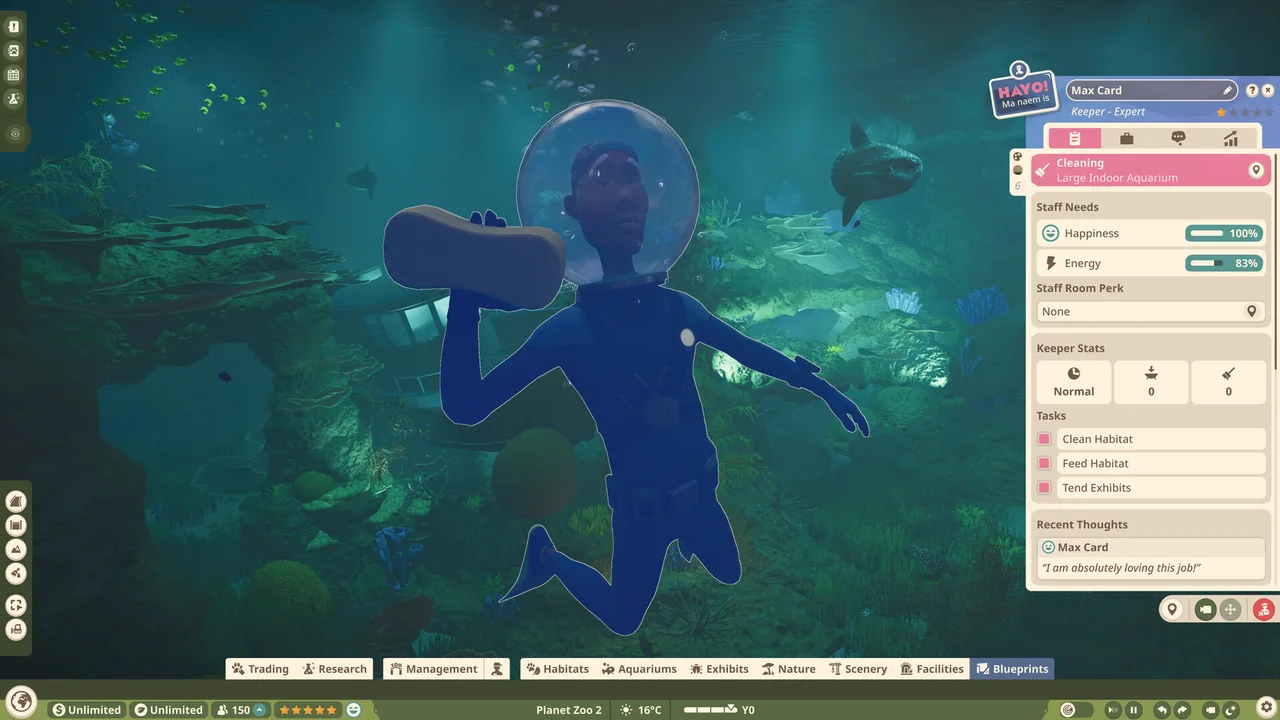
Keepers clean the aquarium; Mechanics maintain the barrier and Water Filter. Check usable staff routes and equipment power before treating dirty water as evidence that a larger filter is required.
5. Edit a populated aquarium safely
Section titled “5. Edit a populated aquarium safely”Box or remove the animals first. Use Drain Water, make the edits and refill the aquarium, then recheck the gate, filtration connection, salinity and temperature before returning animals. Do not drain an occupied aquarium as a routine troubleshooting shortcut.
Diagnose the connection before adding capacity
Section titled “Diagnose the connection before adding capacity”| Symptom or task | Inspect |
|---|---|
| Aquarium does not fill | Closed Aquarium barrier and Aquarium Staff Gate |
| Filter is present but aquarium is unserved | Pipe connection to the Staff Gate node in Edit Filtration Network |
| Demand has risen | Water volume, animal count and whether supply still exceeds demand |
| Another enclosure changed salinity | Both water bodies belong to the same network |
| Temperature controls unavailable | Gate power and Environment tab |
Reference: Filtration Network. More tasks: animal release workflow · all guides.