
Planet Zoo 2 system record
Filtration Network
A Filtration Network in Planet Zoo 2 connects water bodies to filtration supply. Aquariums connect through the Aquarium Staff Gate node; natural habitat water uses a Water Pump. Network salinity affects every connected water body, and supply must exceed demand.
| Field | Value |
|---|---|
| Filter location | Facilities Browser → Utilities → Water Filter |
| Connection tool | Edit Filtration Network |
| Aquarium endpoint | Aquarium Staff Gate node |
| Natural habitat endpoint | Water Pump connected to network |
| Capacity check | Supply exceeds demand |
| Demand factors | Water volume and animal count |
| Salinity scope | All water bodies on that network |
| New aquarium default | Freshwater |
| Maintenance | Mechanics maintain filters; Keepers clean aquariums |
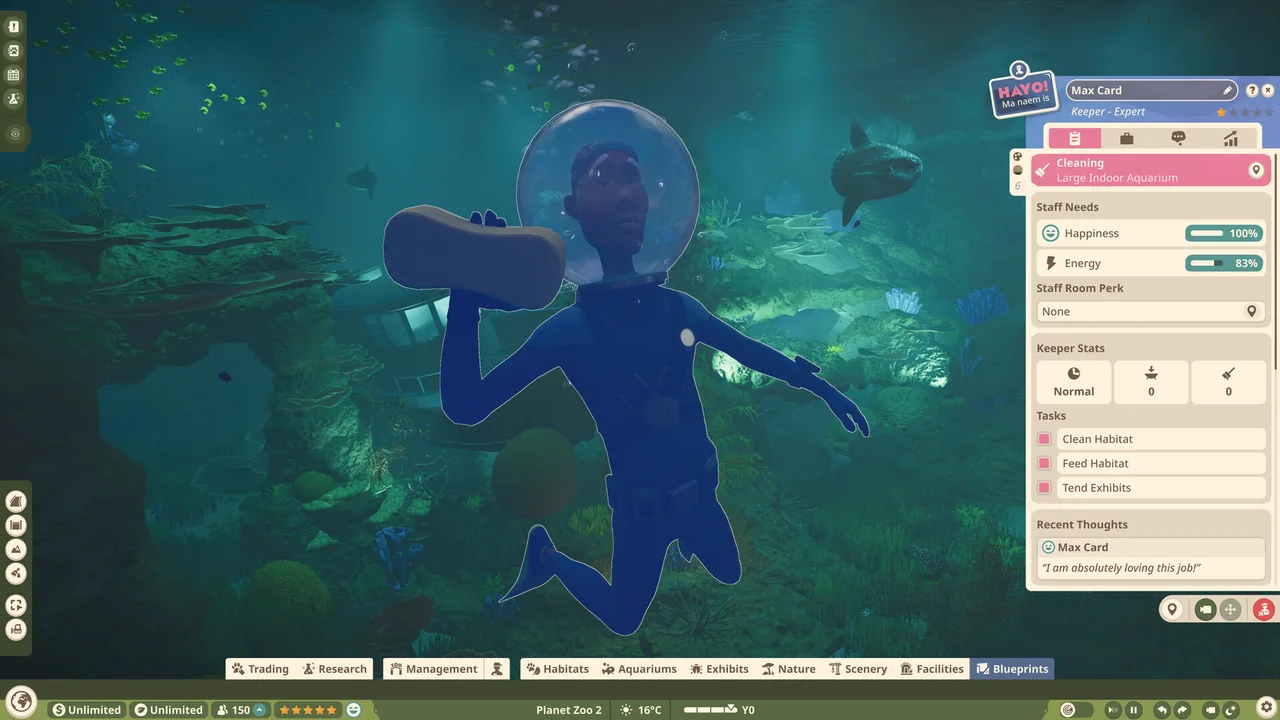
Shared salinity is the planning boundary
Section titled “Shared salinity is the planning boundary”Read the species’ Zoopedia salinity requirement before changing the network. Separate networks are a practical way to keep incompatible needs apart, because changing a connected network affects all its water bodies. This is an organizational recommendation based on the shared-setting mechanism, not an additional game rule.
Temperature is a separate check
Section titled “Temperature is a separate check”With a powered Aquarium Staff Gate, use the aquarium’s Environment tab for temperature. A working filtration connection does not establish that temperature or salinity suits every animal.
Build and connect an aquarium for the sequence, maintenance checks and safe draining boundary.