
Planet Zoo 2 task guide
Where to find the Medium Cup Nest
Find the object in the reserve
Section titled “Find the object in the reserve”- Travel to the Wildlife Reserve where you intend to release the birds. Use Planet Hub if you are currently managing your zoo.
- Open the reserve’s Browser, then choose Nature. Look for Medium Cup Nest among the available objects. This location was confirmed by the player who originally reported being unable to find it.
- Check the selected animal’s Welfare information and the target Ecosystem requirements. Use the required nest type, rather than choosing an object simply because it looks like a nest.
- Place the object in the intended environment, then recheck the relevant requirement. Continue with the release workflow only when the group and its destination are ready.
If you still cannot find it
Section titled “If you still cannot find it”Start from Nature in the reserve. In a zoo habitat, the nesting route is different: Habitats → Bedding, Shelters, and Nests → Nests, with a species filter. An animal that needs a nest for breeding also shows Social → Nesting Sites on its Info Panel’s Overview; selecting it displays suitable nests. Do not confuse that zoo route with the reserve Nature location.
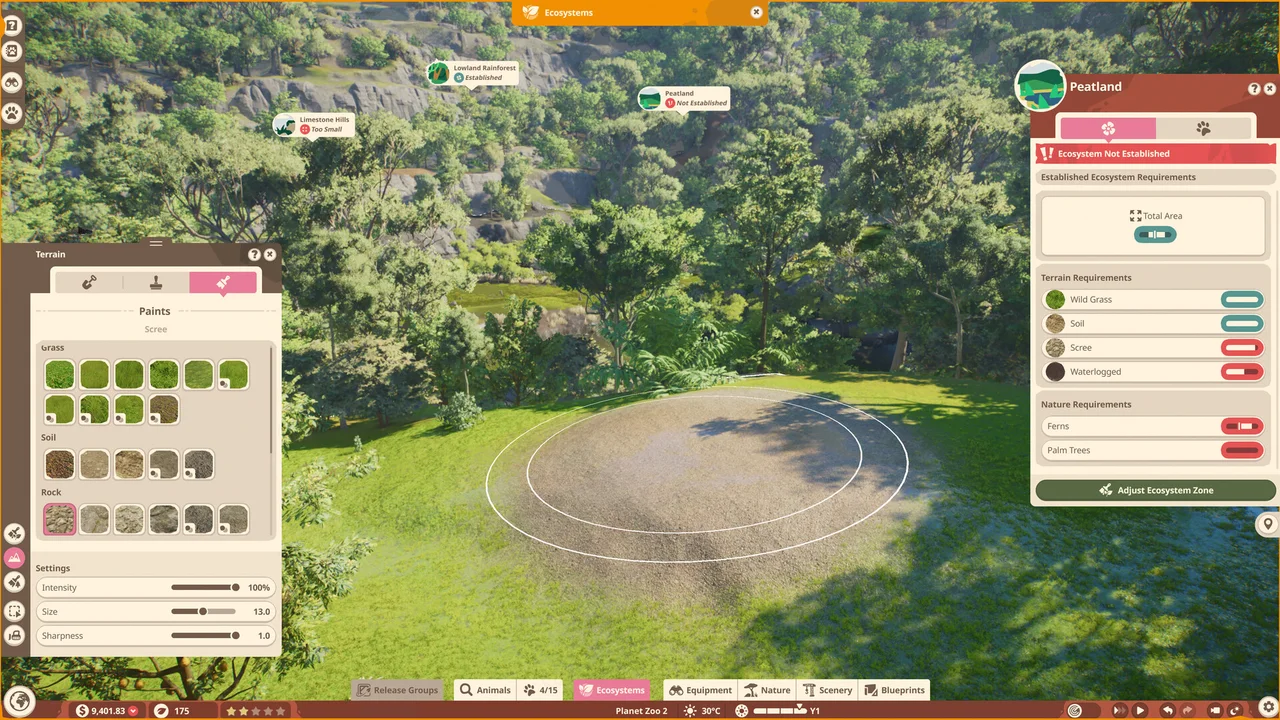
If you are working from an Ecosystem’s Nature requirement, selecting that requirement filters the Browser to the objects it needs. Recheck the visible category/filter state when looking for a different object. Do not assume that a correct nest alone completes Area, Terrain or other environmental conditions.
Scope and limits
Section titled “Scope and limits”This guide does not prescribe a universal nest count, placement radius or a particular owl species. Follow the actual requirement displayed in your game. The missing-object question does not establish a bug. If the selected animal needs another nest type, follow its requirement rather than this object’s name.